
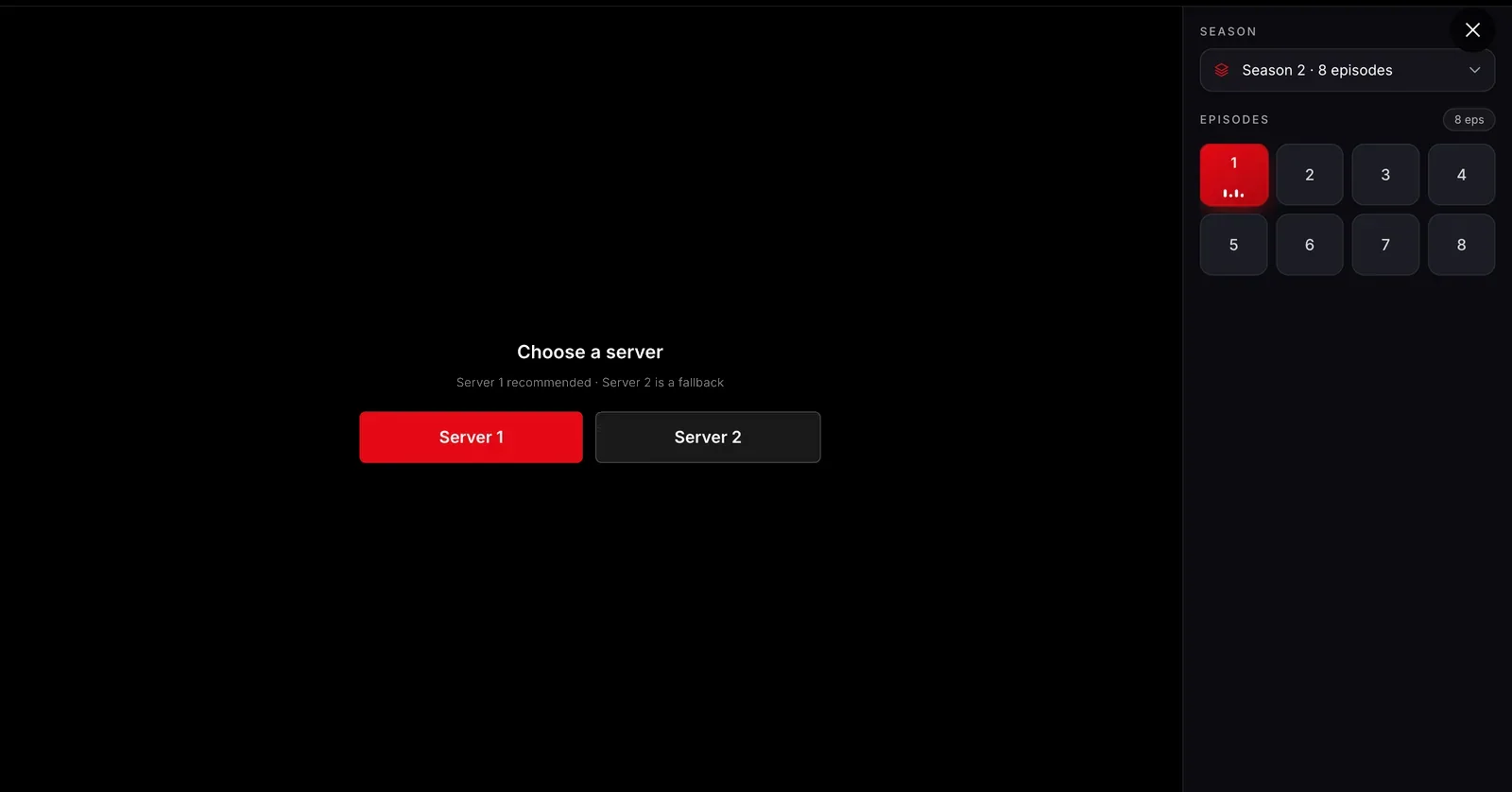
Episodes beside the player
Open a series and its seasons and episodes sit right next to the video, with the server choice above, so moving on never means leaving the player.
Free movies and series in your browser, on any computer.
Last checked .
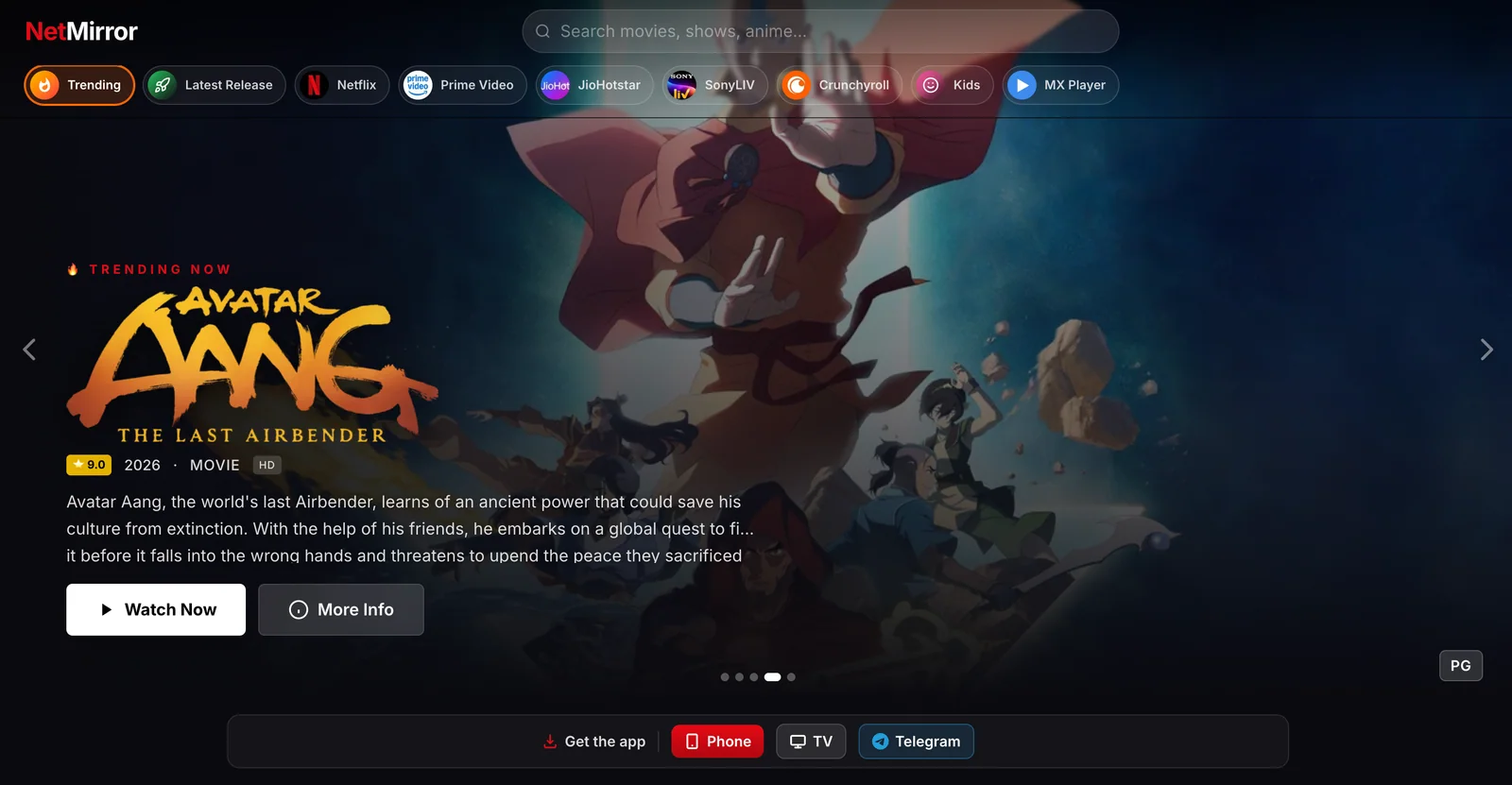
NetMirror Web is NetMirror in a browser tab. It plays the same library as the Android app on a Windows PC, a Mac, a Chromebook or a laptop: search for a title, pick a server and press play. Server 2 needs nothing set up at all.
It’s also an installable web app. Chrome and Edge can add it to your computer, where it opens in a window of its own from the taskbar or Dock, much like a desktop program. That’s the closest thing to the NetMirror PC app or web APK people search for.
Screens from the web player in a desktop browser.
Open a series and its seasons and episodes sit right next to the video, with the server choice above, so moving on never means leaving the player.
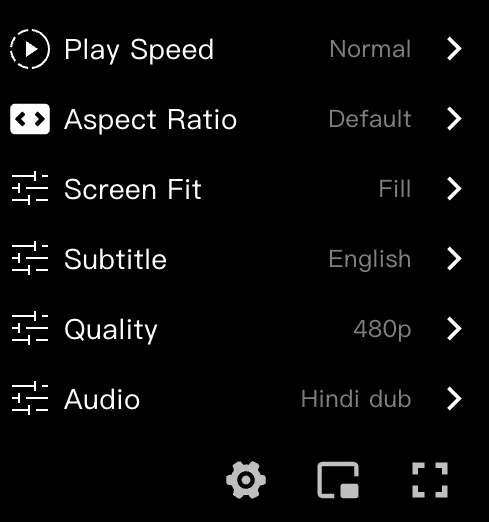
Playback speed, aspect ratio and screen fit share one menu with subtitles, video quality up to 1080p and the audio track, Hindi included on many titles.
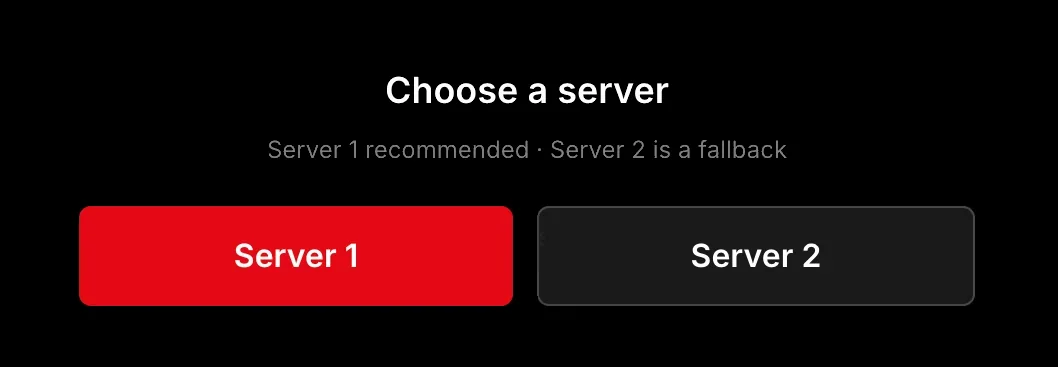
Server 1 is the recommended choice. Server 2 is there for when it struggles, and it runs in every browser with no extras.

One row of filters jumps to trending titles, new releases, picks for kids or the platform a title first appeared on.
Any up-to-date browser works: Chrome, Edge, Firefox or Safari.
Open net78.ccType in the search bar at the top, or browse the rows and filters on the home page.
Server 2 starts without installing anything. For Server 1, install the extension the player points you to, then return and choose it.
Open the player menu to switch the audio to Hindi, turn on subtitles or change the quality.
These two browsers offer to install web apps on Windows, Mac and Chromebook.
It sits at the right end of the address bar. The same option is also in the browser’s menu.
It opens in its own window without tabs, from the taskbar, Start menu, Dock or launcher.
Server 1 relies on an extension for Chrome, Edge and other Chromium browsers, and the player shows where to get it when you choose that server. Chrome’s install prompt says the extension can read and change data on websites, its usual wording for anything that alters video requests. Skip it if you like: Server 2 needs nothing.
Phone browsers open NetMirror Web too. On Android, the Android app does more, including downloads; on iPhone, follow the iOS guide. Samsung and LG TVs can open the address in their own browser, while Android TV and Fire TV run the TV app.
These addresses open the web player today. If your network blocks one, use the other, and bookmark this page so you can find the next address when it changes.
Not on net78.cc: it has no account, password or sign-up form. net77.cc wants you to sign in before it plays, and some pages show a “Verify you are human” check first. The NetMirror login guide explains which addresses need what, and how to spot a fake sign-in page.
What people ask before watching on a computer.
Something else? Ask in our Telegram channel.
Not as a download. NetMirror Web is the PC version: open net78.cc in your browser, and in Chrome or Edge you can install it so it runs in its own window. Phones and TVs on Android get the full app instead.
No. An APK is an Android install file and won’t run on a computer. On a PC, NetMirror Web in the browser is the way to watch; on an Android phone, get the app from this site’s homepage.
Yes. A Mac can use Safari, Chrome, Edge or Firefox, and a Chromebook uses Chrome. Nothing else is needed for Server 2.
Chrome or Edge. Both can run the extension Server 1 relies on, and both can install the web player as an app. Firefox and Safari play Server 2.
Yes, through the built-in browser on Samsung and LG sets: go to net78.cc. On Android TV or Fire TV, install the TV app instead; it’s made for the remote.