
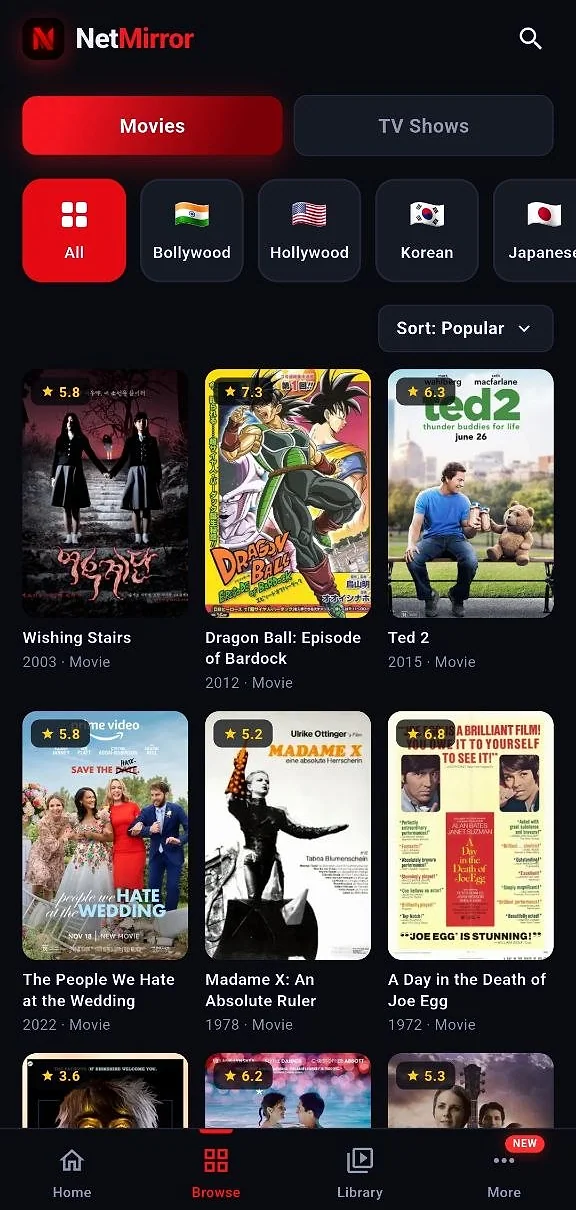
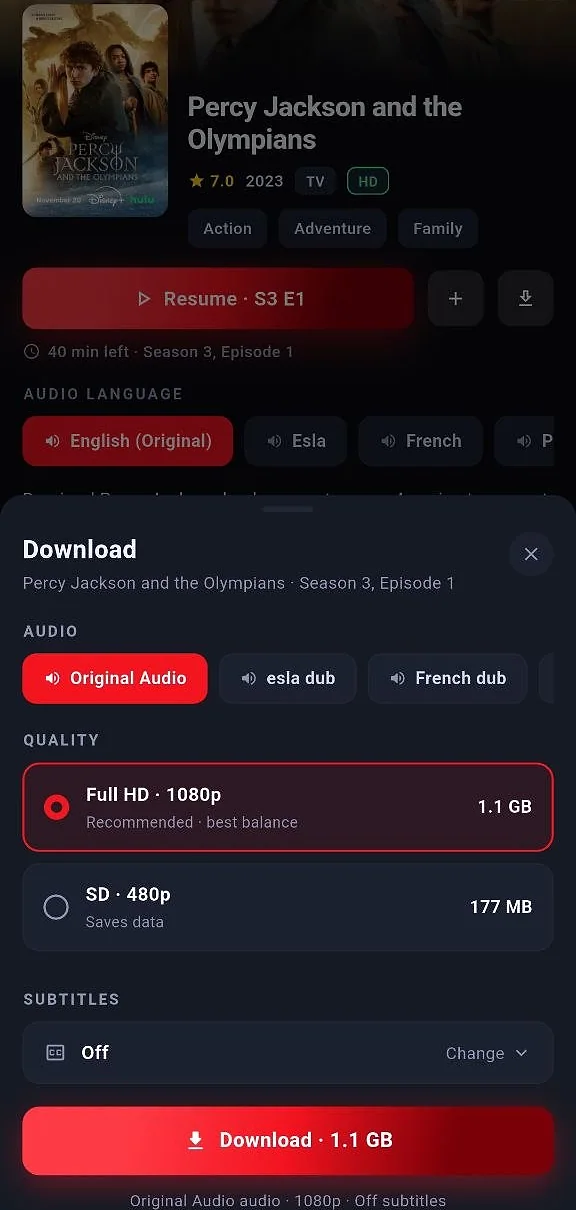
NetMirror app screenshots
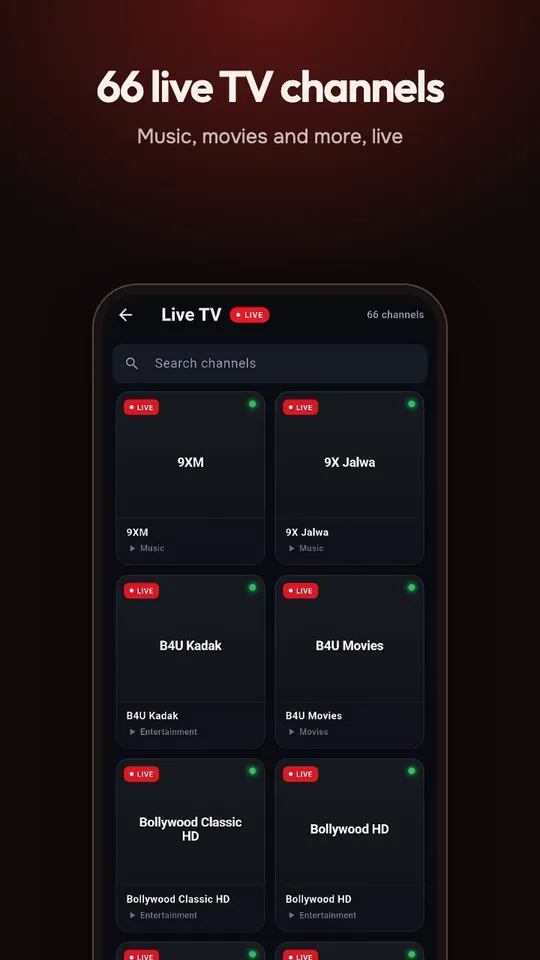
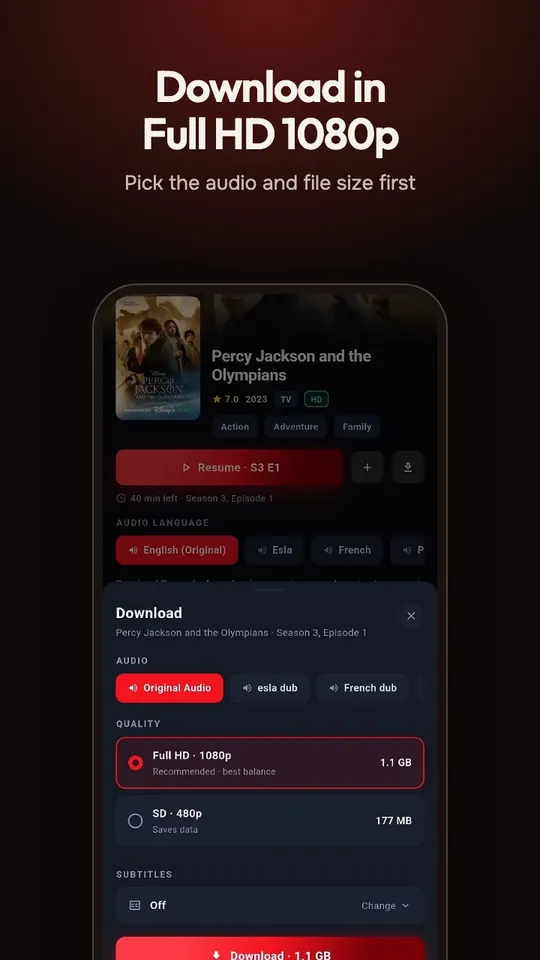
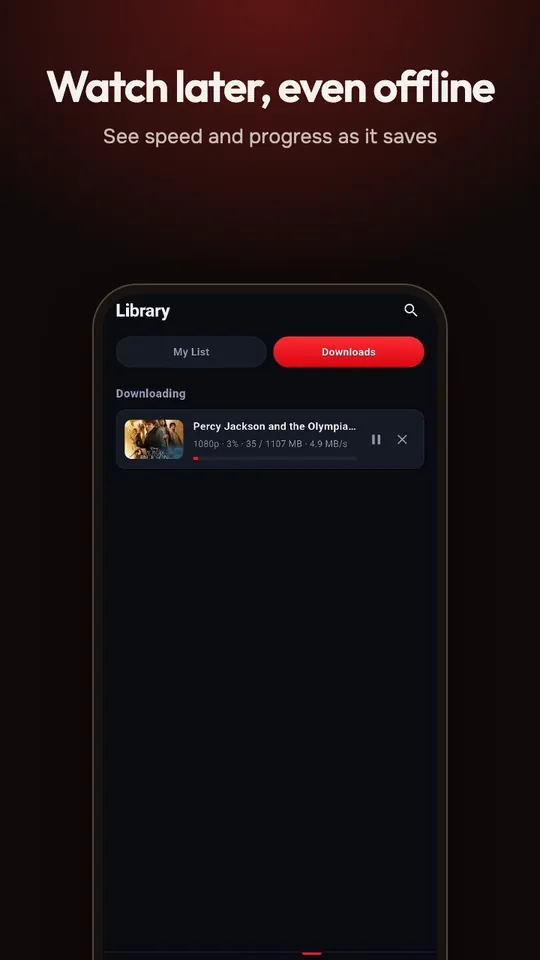
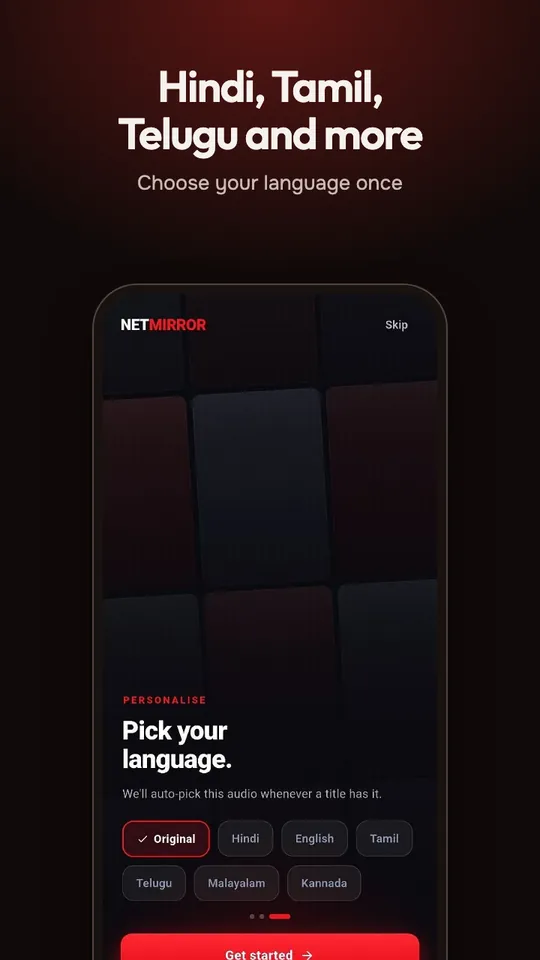
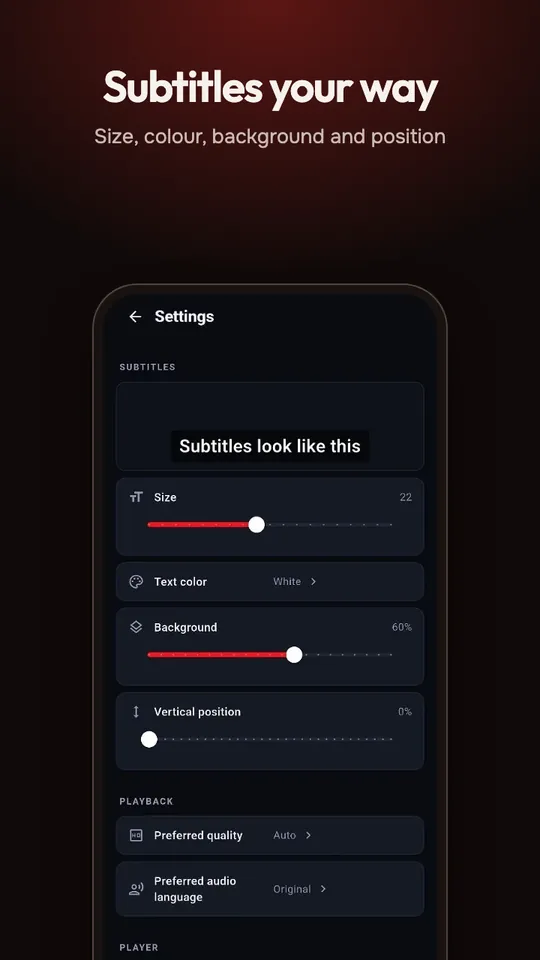
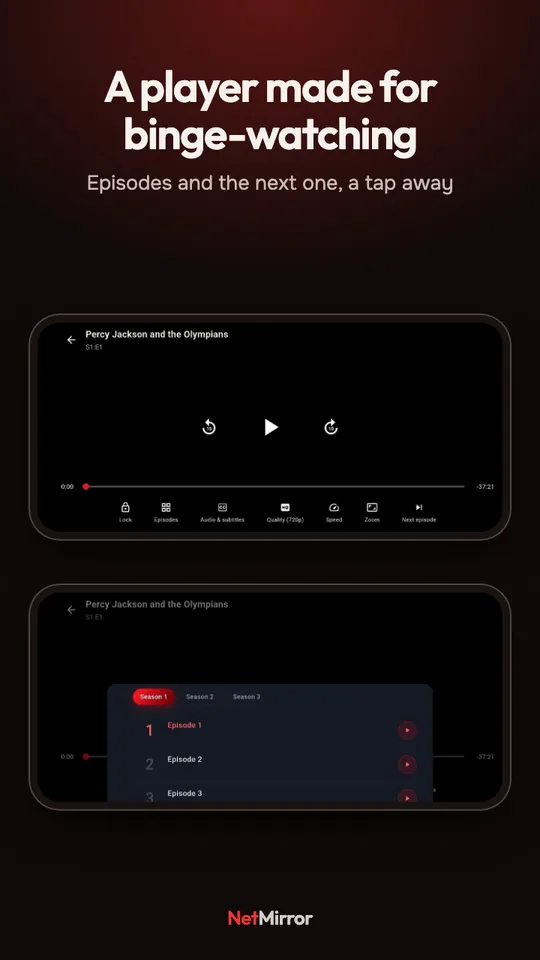
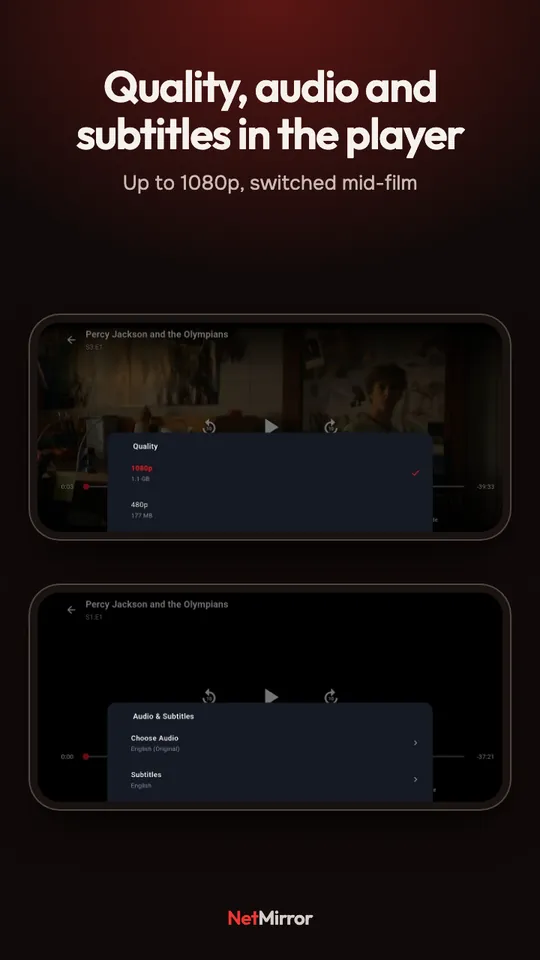
Swipe through the Android app, one screen at a time.
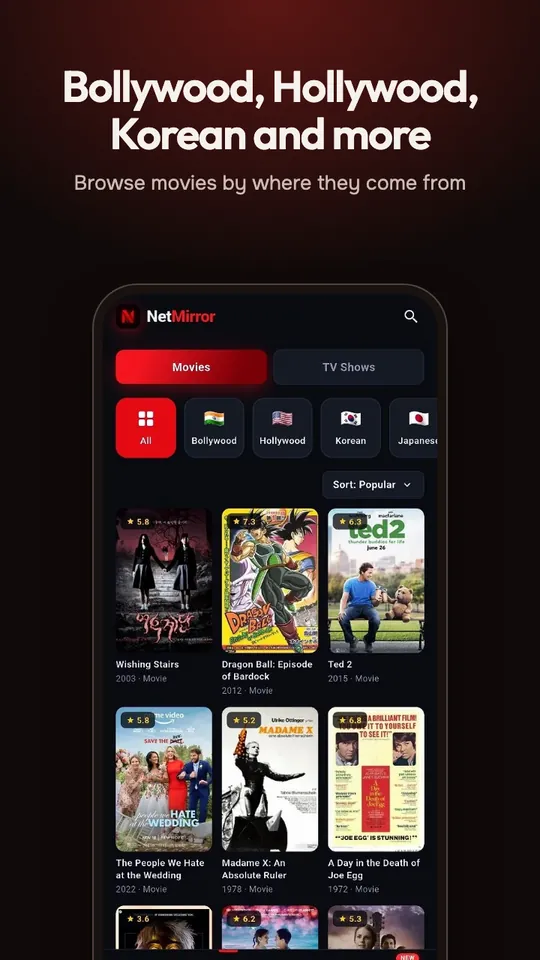
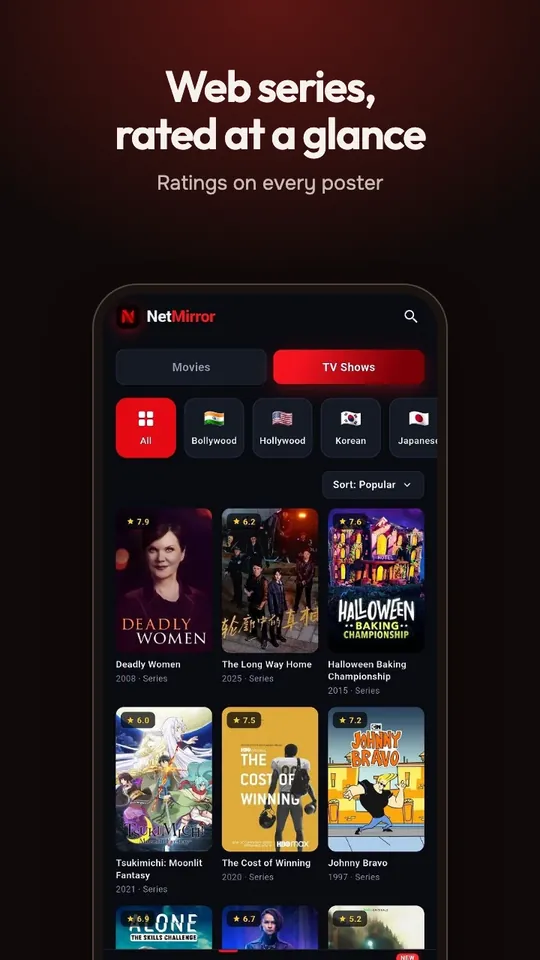
NetMirror APK 3.1.1: release details
- Version
- 3.1.1, build 3101
- File
-
netmirror-3.1.1-global.apk - Size
- 51.76 MB
- Android
- 7.0 or newer. Built for Android 14.
- Devices
- Phones and tablets. The same file runs on Android TV and Fire TV. TV setup
- Virus scan
- 0 / 67 on VirusTotal. Open the report
What’s new in 3.1.1
- Movies and shows now sit together in one Browse tab.
- A new More tab holds Live TV and a link to the web player.
- More titles play, including newer episodes.
- Live TV fixes and smoother playback.
Earlier versions, their sizes and virus scans are in the NetMirror changelog.
How to install the NetMirror APK
-
Download the file
Tap the button above. If Chrome warns that this type of file can harm your device, choose Download anyway; it says that about every APK.
Download APK -
Open it
When the download finishes, tap the notification, or find netmirror-3.1.1-global.apk in the Downloads folder of your Files app.
-
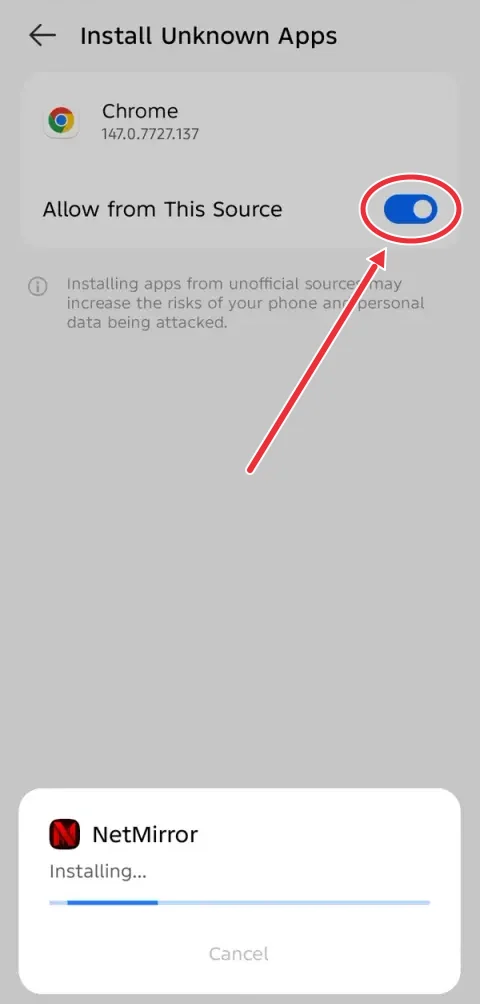
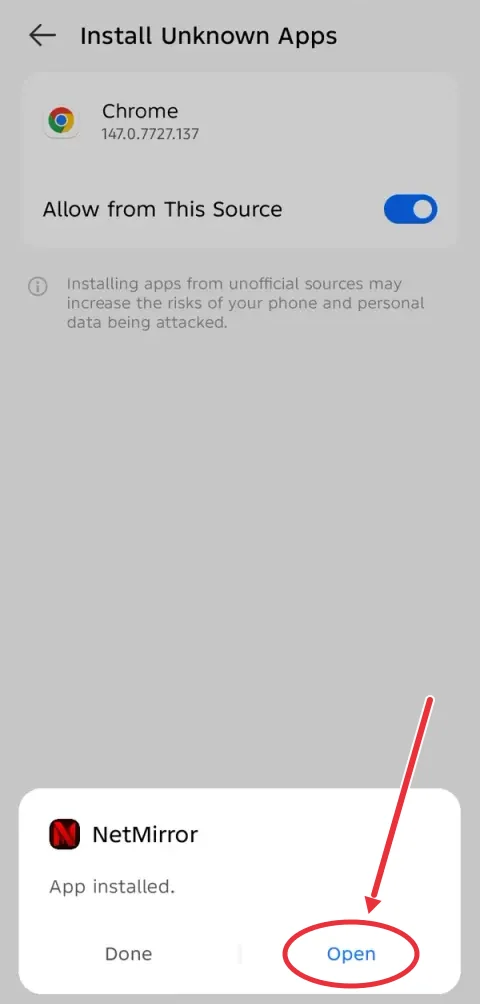
Trust your browser once
Android asks whether the app that downloaded the file may install apps. Turn the switch on, press back, and the installer returns.
-
Install, then open
Tap Install. If Google Play Protect steps in, open More details and choose Install anyway. Once the App installed screen appears, tap Open.
-
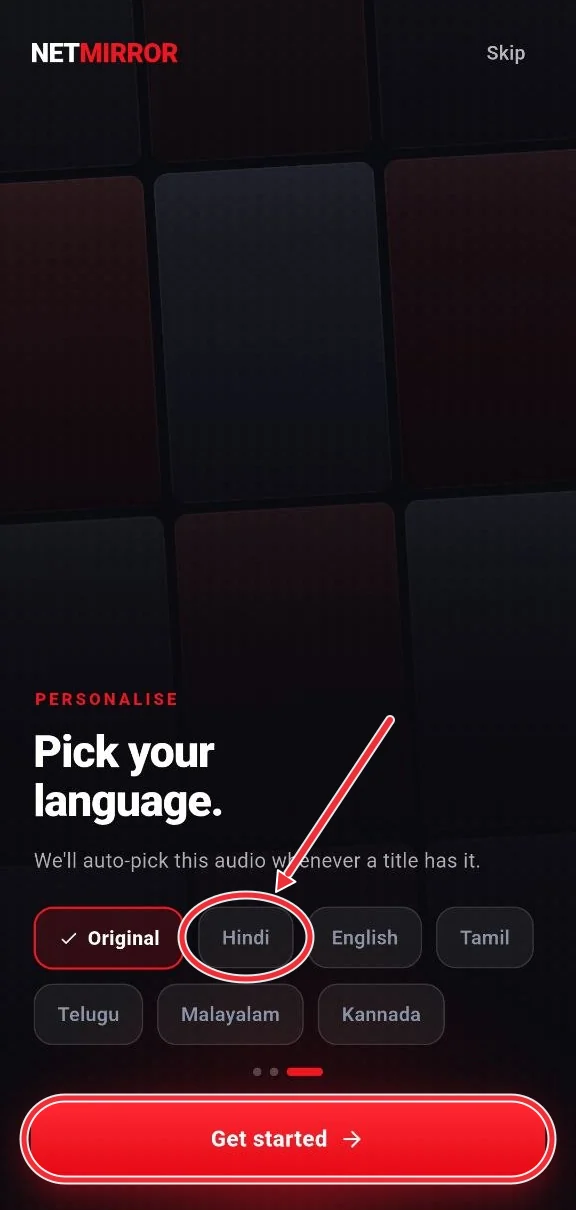
Pick your audio language
The first screen asks which language you watch in. Choose one, then Get started.
Updating NetMirror
From inside the app
When a new version is out, the app offers it, downloads it and hands it to Android’s installer. The first time, Android asks you to let NetMirror install apps; after that, updating takes a tap.
From this page
Download the new APK here and install it over the app you have. Don’t uninstall first: that wipes your downloads and My List, while installing on top keeps them.
Check that your file is the real one
Every release goes to VirusTotal before we share it, and 3.1.1 came back 0 / 67. To be sure the file on your phone is that same file, compare its SHA-256 fingerprint with this one:
f0ec40834dfc9d1b1f589a2229d247e547e2d97f0d31ba8e775490fd521dcde2
On a Mac, run shasum -a 256 on the file; on Windows, certutil -hashfile
with SHA256. Some Android file managers show it in the file’s details. If
the two don’t match, delete the file and download it again from this page.
Curious what the app can and can’t touch? Its permission list covers all of it.
NetMirror APK not installing?
- “App not installed”
- Another NetMirror build from a different source is already on the phone, or storage is full. Uninstall that build, free some space, then try again.
- “There was a problem parsing the package”
- The phone runs Android older than 7.0, or the download stopped early. Check your Android version, then download the file again.
- Play Protect blocked it
- Play Protect warns about apps it hasn’t seen in the Play Store. Pick Install anyway under More details, and compare the SHA-256 above if you want to be sure.
- The Install button can’t be tapped
- An app drawing over the screen, such as a blue-light filter or chat bubble, can block it. Close that app and try again.
- The download keeps failing
- Switch to a steadier connection, or Wi-Fi, and start the download again from the button above.
- I can’t find the downloaded file
- Open your Files app and look in Downloads, or check the download list in Chrome’s menu.
No Android? iPhone owners have the iOS guide; on a computer, use NetMirror Web; on a TV, see NetMirror TV.
NetMirror APK: questions
Versions, updates and installing safely.
Something else? Ask in our Telegram channel.
What is the latest NetMirror APK version?
Version 3.1.1, build 3101, in a file called netmirror-3.1.1-global.apk. This page changes with every release, so the button above always gets the newest one.
Is the NetMirror APK free?
Yes, there’s nothing to buy. On phones a short ad opens once every 12 hours; TVs skip it.
Is there a NetMirror mod, premium or Plus APK?
No. There’s one free version, and it comes from this page. Files sold or shared as mod, premium or Plus aren’t ours, and they’re the kind antivirus apps tend to flag.
Can I install an older version?
We only offer the newest one, since it carries the latest fixes. Android also won’t put an older version on top of a newer one unless you uninstall first.
Will updating delete my downloads?
No, as long as you install the new APK over the app you have. Uninstalling first is what removes downloads and My List.
Does the APK work on Android 6 or older?
No, it needs Android 7.0 or newer. On an older phone, open net78.cc in Chrome and watch there.