
NetMirror login
The NetMirror sign-in page is on net77.cc.
- net77.cc A quick Cloudflare check, then its own sign-in page.
- net78.cc Opens straight to the player. Prefer an app? Get the Android app.
Both links checked on . Make sure the address bar shows the same name before you type anything.
Do net78.cc, net77.cc or net79.cc need a login?
Only one of them does. Here’s each address, and the apps, at a glance.
- net78.cc
- No login. It’s the main web player: open it and press play, with Server 1 and Server 2 on every title.
- net77.cc
- Sign-in first, with Login with Google or an email address and password, then one server. Its own notice says its link changes every month.
- net79.cc and net27.cc
- Earlier addresses of the main web player, which never had a login either. If one won’t open, go to net78.cc.
- Android and TV app
- No account at all. Open it, choose your language and start watching.
- iPhone and iPad
- Nothing to sign in to. Safari runs the web player exactly as a computer does.
On an iPhone? The iOS guide sets the web player up as a Home Screen app.
Signing in on net77.cc
If you searched for the NetMirror login, this is the page you were after: net77.cc. Here’s what to expect once it opens.
-
Open net77.cc
If a page says “Verify you are human”, tick the box. That’s a bot check, not the sign-in.
-
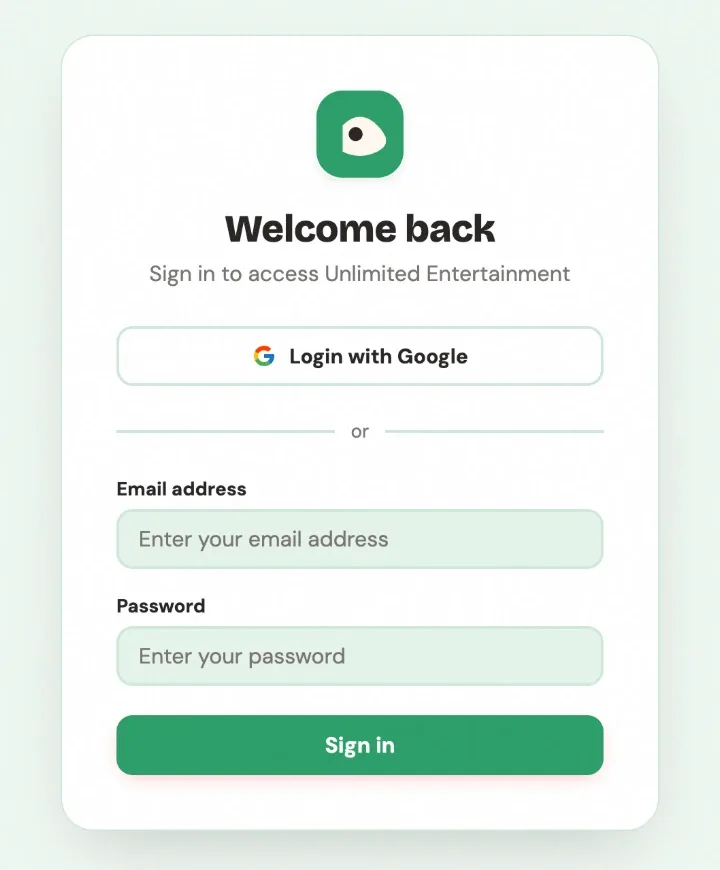
Choose how to sign in
Login with Google is the quickest. The form below it takes an email address and password instead.
-
Finish on Google’s own page
If you picked Google, the account chooser opens at accounts.google.com. Check that address before you type anything.
-
Start watching
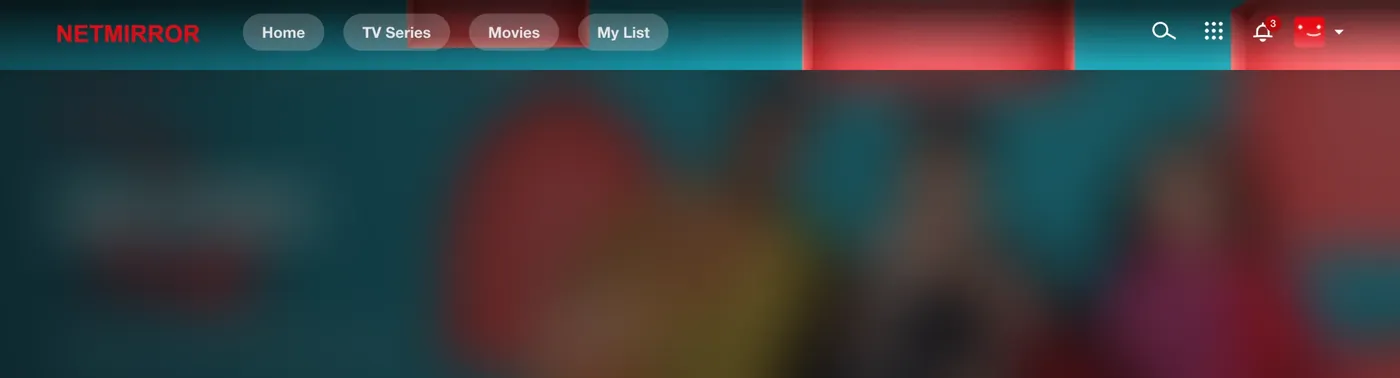
You land on its home page, with Home, TV Series, Movies and My List along the top.
Signing in with an email instead? Use a password you don’t use anywhere else, so a leak on one site can’t open your other accounts.
Did net79.cc need a login?
No. net79.cc was the web player’s address before net78.cc, and like every address of the main player it never asked anyone to sign in. The new link page lists all the old addresses and explains why they move.
Stuck on “Verify you are human”?
That page comes from Cloudflare, a service sites use to keep bots out. It isn’t a login and never asks for your details.
- The box keeps coming back
- Allow cookies for that site and switch off any VPN or ad blocker for it, then reload.
- Nothing happens when I tick it
- Update your browser or try a different one. Old browsers can fail the check.
- It says access denied
- That site may be refusing your network. Try mobile data instead of Wi-Fi, or the other way round, or use net78.cc, which shows no check.
How to spot a fake NetMirror login page
Close the page if it does any of these:
- asks for a phone number, an OTP code or a payment before you can watch;
- asks for your Google password anywhere other than accounts.google.com;
- sits on an address that isn’t listed on this page;
- tells you to install a “verification” app or APK first.
Then tell us about it in our Telegram channel, so others can avoid it.
NetMirror login: questions
Accounts, sign-in and staying safe.
Something else? Ask in our Telegram channel.
Do I need a NetMirror account?
No. Neither the phone app nor the TV app needs one, and nor does net78.cc, so there’s nothing to register or remember.
Is there a NetMirror sign-up page?
Not for the app or the main web player. If a page wants you to create an account before you can watch, check its address against the list on this page first.
Is it safe to sign in with Google?
Signing in with Google gives a site your name, email address and profile picture, never your Google password. You can remove that access later in your Google Account, in the list of third-party connections.
Why does net77.cc ask me to sign in?
That’s how net77.cc is set up. If you’d rather not sign in anywhere, net78.cc plays without an account.
I forgot my NetMirror password. What now?
The app and net78.cc have no password to forget. On net77.cc, Login with Google means you don’t need a separate password at all.
Will NetMirror ever ask for my phone number or an OTP?
No. NetMirror never needs your mobile number, a one-time code or money before you watch. If a page does, close it and tell us in our Telegram channel.